Google Play Services Update Extends Battery Life for Wear OS Smartwatches
Google has introduced a background update to Wear OS that offloads GPS tracking to smartphones, helping to conserve smartwatch battery life.
 🏢Big Tech
Photo: ZDNet AI
Key points
- Version 26.45 of Google Play Services enables phone-based GPS tracking for Wear OS watches.
- The update runs automatically in the background to save battery during outdoor workouts.
- The release also introduces improved watch face previews on paired smartphones.
Google has rolled out an update to Google Play Services that aims to improve the battery longevity of smartwatches running the Wear OS operating system. The update, version 26.45, allows wearable devices to utilize a smartphone's Global Navigation Satellite System (GNSS) for location tracking during outdoor exercise rather than relying solely on the watch's internal hardware.
By offloading the power-intensive task of satellite communication to the connected phone, the update reduces the energy strain on the smartwatch. This change occurs automatically in the background without requiring users to manually adjust their device settings, provided the watch is not currently in Battery Saver mode.
In addition to power management improvements, the latest Google Play Services release includes a feature that provides larger previews of watch faces on a paired smartphone, making it easier for users to customize their devices. These updates affect a wide range of hardware, including Google’s own Pixel Watch as well as devices from manufacturers such as Samsung and OnePlus.
What to watch next: Future updates to Google Play Services that may further optimize power consumption for continuous health sensors.
Source ZDNet AI — zdnet.com/tech/wear-os-smartwatches-update-save-battery-life-galaxy… ↗
Read next
 🤖AI Models
Google Expands Interactive World-Building with Genie 4 Launch
Google has released its latest world-generation model, Genie 4, to premium AI Ultra subscribers, introducing real-time environment modification and audio integration.
 🧠AI Analysis
Salesforce Optimizes Global AI Model Inference with Amazon SageMaker
Salesforce has implemented cross-Region inference routing in Amazon SageMaker to manage AI model capacity across 30+ global regions more efficiently.
 🚀Startups & Funding
OpenAI CEO Sam Altman Addresses Upcoming Biographical Film
OpenAI CEO Sam Altman commented on the upcoming film 'Artificial,' which portrays his life and the 2023 leadership crisis at the company.
 🌐Work & Society
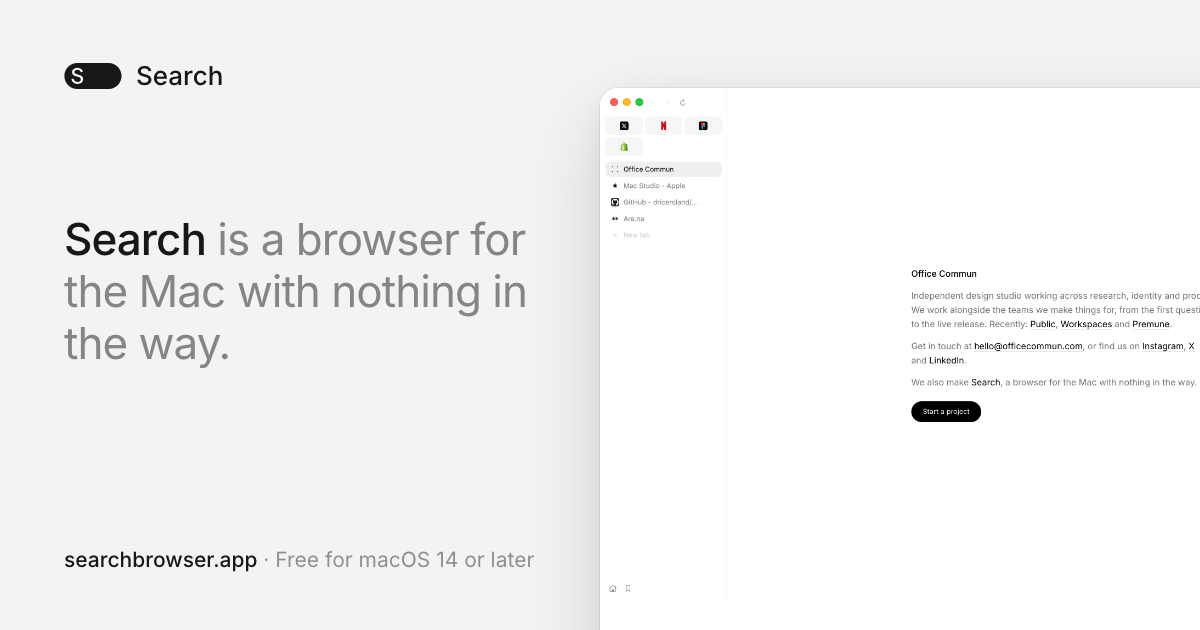
Design Studio Office Commun Launches Minimalist WebKit Browser for macOS
Paris-based design studio Office Commun has released Search, a lightweight, open-source web browser for macOS that prioritizes performance and minimalist design.
 🔌Chips & Hardware
Snapchat Integrates AI Coding Assistants into AR Lens Development
Snapchat has launched the Easy Lens CLI, enabling developers to build augmented reality experiences using AI coding tools like Claude Code and Cursor.
 🚀Startups & Funding
RadixArk Unveils DaisyRose-27B, Focused on Agentic Efficiency
Startup RadixArk has launched DaisyRose-27B, an AI model optimized for long-horizon agent tasks, claiming significant improvements in training efficiency and reasoning ca…