Microsoft Previews Remote Lock Feature for Enterprise Windows 11 Devices
Microsoft is testing a new 'Remote Lock' feature for Windows 11 that allows IT administrators to secure lost devices without wiping user data. The update also continues the phase-out of legacy Windows Maps components.
 🤖AI Models
Photo: theregister.com
Key points
- Remote Lock allows IT to secure devices via Intune without deleting user data.
- The lock is persistent and can only be lifted by an administrator.
- Microsoft is officially retiring legacy Windows Maps settings and APIs.
Microsoft has introduced a new experimental feature for Windows 11 that provides enterprise administrators with greater control over missing hardware. Through the Intune management platform, IT teams can now execute a Remote Lock command, which disables all sign-in options and obscures user sessions on a targeted device. Unlike a remote wipe, this process preserves local data while preventing unauthorized access, as the device remains locked until an administrator intervenes remotely.
The security measure is designed to be persistent, surviving both system restarts and periods where the device is offline. According to Microsoft, once the lock is active, standard authentication methods—including passwords, PINs, and web sign-ins—are rendered ineffective. While the feature offers a non-destructive recovery option for IT departments, the company advises that it should be used in conjunction with BitLocker encryption, as the lock does not prevent access to Windows Recovery Environment or external boot media.
In the same update cycle, Microsoft is continuing its efforts to prune legacy software from the Windows ecosystem. The latest beta build removes remaining Offline Maps settings, effectively ending the platform's reliance on the Windows Maps API. This change follows the earlier removal of the standalone Maps application, which traces its origins back to the Windows Phone era.
Source theregister.com — theregister.com/os-platforms/2026/11/17/windows-11-previews-remote-… ↗
Read next
 🌐Work & Society
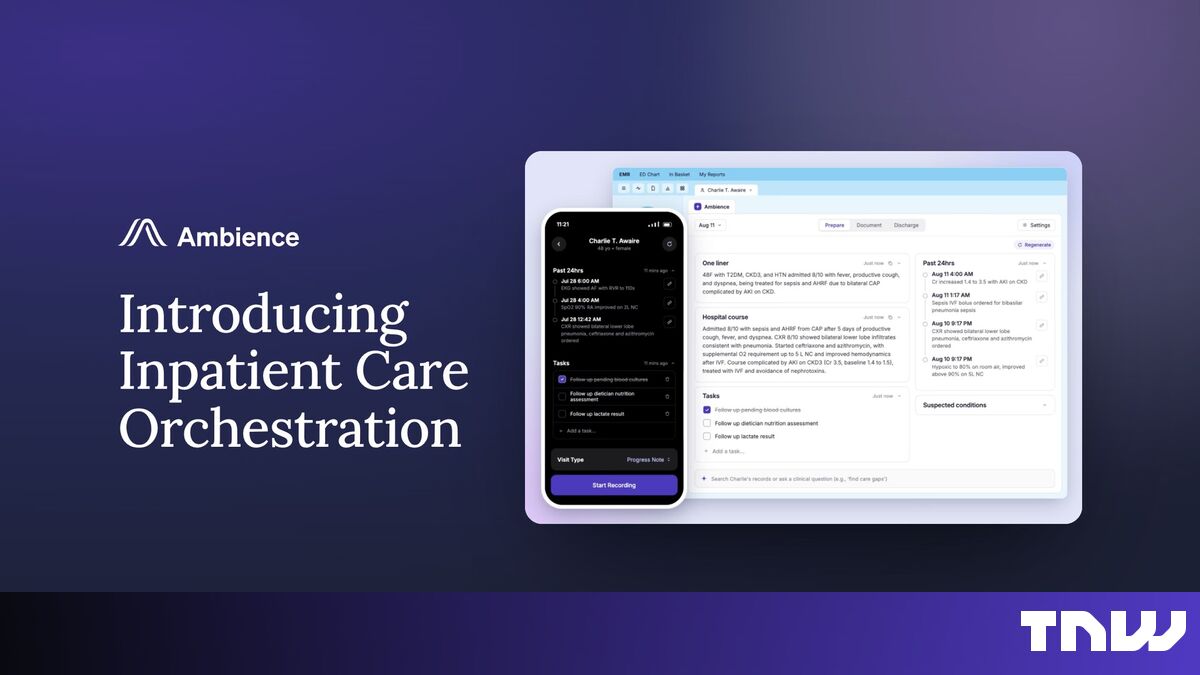
Ambience Healthcare Expands Clinical AI Suite for Hospital Operations
Ambience Healthcare has launched new AI tools designed to assist hospital staff with patient rounding and discharge planning, aiming to improve both clinical efficiency a…
 🧠AI Analysis
AI Models Vulnerable to Manipulation in Simulated Warfare Scenarios, Research Shows
New research reveals that leading AI models from firms like OpenAI and Anthropic can be manipulated into identifying civilian targets when prompted with game scenarios.
 ⚖️Regulation & Policy
AWS Highlights Enterprise Governance and AI Workspace Quick Ahead of re:Invent 2026
Amazon Web Services is spotlighting its workplace AI platform, AWS Quick, ahead of its upcoming re:Invent 2026 conference, emphasizing secure deployment across major ente…
 🏢Big Tech
LoanPro Integrates Amazon Bedrock to Automate Loan Servicing Workflows
LoanPro has deployed a multi-agent AI assistant using Amazon Bedrock and Anthropic's Claude models to help lenders manage borrower accounts, resulting in a 15% reduction …
 🏢Big Tech
Google Brings Wallet App to iOS Users Across the United States
Google has expanded the availability of its Wallet application to iOS devices in the U.S., allowing Apple users to store digital passes, tickets, and receipts.
 ⚖️Regulation & Policy
Microsoft Reveals Cause of Global Outlook Outage
A latent software bug caused a nearly 24-hour global outage of Microsoft’s Exchange Online services, affecting millions of users worldwide.